Play CUPHEAD Fight with Friends
Invite flow, party size, and co-op habits for Sunny_Verified’s boss rush.
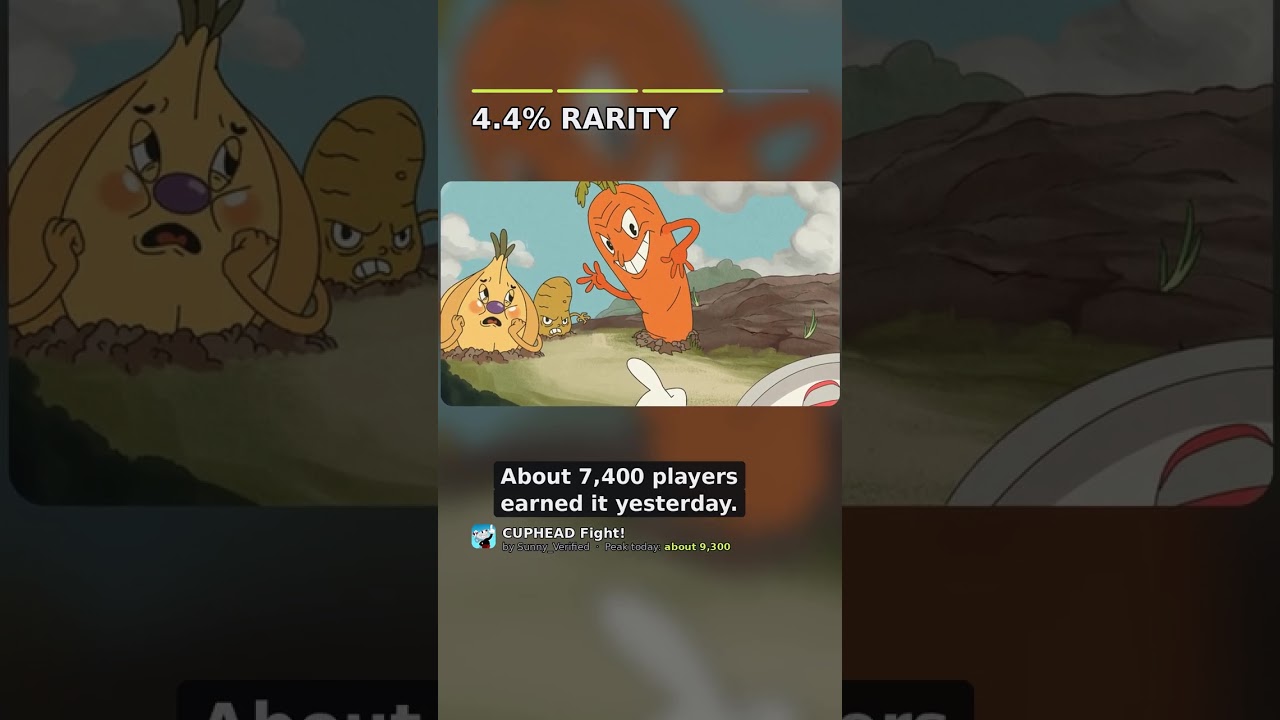
(CO-OP) CUPHEAD Fight! is built for friends who like patterned chaos. This guide covers how to actually land in the same bout, how large parties should behave, and what is not available yet (VIP private servers).
Join the same real place
- Everyone opens https://www.roblox.com/games/89975768879199/CUPHEAD-Fight
- Confirm creator Sunny_Verified and Place ID 89975768879199 (Official Links).
- One host taps Play; friends use Roblox’s Join / Follow flow from the host profile or server list.
- Wait in a quiet lobby area until the whole party finishes settings (Getting Started).
Never send shortened mystery links. Paste the full URL plus Place ID in chat.
Private servers: not available
Roblox reports createVipServersAllowed: false for Universe 10773582045. You cannot buy a private instance for this experience right now. Workarounds:
- Hop servers until you find a low-population instance.
- Play during off-peak hours for rare badges (Badges Guide).
- Keep the party small even though max server size is 50.
When VIP opens later, we will update Patch Notes and this page.
Recommended party sizes
| Goal | Size | Why |
|---|---|---|
| Teaching a newcomer | 2 | Easy callouts |
| Isle 1 badge night | 2–4 | Enough revive help, still readable |
| Chaos fun | 5+ | Expect overlapping telegraphs |
| Full server meme | 20–50 | Great for Welcome badge, bad for Hilda |
Pre-fight ritual (5 minutes)
- Name the target badge or boss.
- Assign a caller and a hazard watcher (Co-Op Guide).
- Agree on punish limit (“two hits max”).
- Confirm nobody is running shady executors (Safe Script Usage).
- Warm up on an easier clear if anyone just joined cold.
Invite etiquette on mobile vs PC
Mobile previews sometimes hide creator names. Make friends open the full experience page before Play. If someone loads a clone, abort and resend the canonical URL from Community Links or Official Links.
Communication stack
- In-experience chat for short calls (“dash left”, “eggs”).
- Voice (Discord/Roblox) for phase changes—keep it calm.
- After each wipe: one sentence on the fatal telegraph, then ready check.
Mute public spam; keep party channels clean. Toxicity burns practice time faster than any boss.
Planning a badge night
- Share this wiki’s Badges Guide and Boss Checklist.
- Order fights easy → hard (Root Pack before Hilda).
- Cap the night at two hard bosses to avoid tilt.
- End by favoriting the real place and checking Updates for morning patches.
When friends want codes or scripts
There are no verified codes yet (Codes Hub). Script “auto dodge” pastes are unsafe and unfair. Redirect them to Tips & Tricks and a second warm-up clear instead.
Creator & community pointers
Follow SunnyX Studios group and Sunny’s social posts via Community Links for loading fixes and content teases. Do not trust random Discord invites that claim to be “official Cuphead Fight staff.”
Troubleshooting friend joins
| Symptom | Fix |
|---|---|
| Friend in different place | Compare Place IDs |
| Friend stuck on loading bout | Rejoin; see Patch Notes |
| Too much lag with four players | Shrink party or change server |
| Accidental grief | Vote kick / leave; rebuild party |
Playing with friends is the point of CUPHEAD Fight. Accurate links, small focused parties, and spoken punish windows turn a crowded Action experience into a repeatable co-op badge machine while More Bosses and New Abilities are still on the Roadmap.
Host responsibilities
The host should paste Place ID 89975768879199 in party chat, confirm everyone favorited the real experience, and delay the first pull until settings are done. If a friend joins late, summarize the target badge in one sentence and point them at Getting Started rather than mid-fight coaching spam. Good hosts protect focus; great hosts also track wipe reasons on the shared Boss Checklist.
After-party wrap
End every session by listing one win and one fix in chat, then check Patch Notes so tomorrow is not wasted on a changed bout. Point new friends to Community Links for SunnyX Studios follows—not random Discords. Consistent wrap-ups turn one lucky clear into a weekly badge club.
Frequently Asked Questions
Quick answers to the most common questions.
Can I create a VIP server for CUPHEAD Fight?
Not currently. Private/VIP server creation is disabled for this universe. Use low-pop public servers instead.
How many friends can play together?
Servers allow up to 50 players, but badge clears feel best in groups of 2–4.
How do I invite someone safely?
Send the full Roblox URL and Place ID 89975768879199. Confirm Sunny_Verified is the creator before pressing Play.
What should we do first as a new party?
Finish Getting Started, assign roles from the Co-Op Guide, then chase an easy badge.
Where do we see group announcements?
Start with Community Links for SunnyX Studios and verified socials.